Digital-firstthe app and the platform
Digital-first, because the alternative is a queue
Embracing the digital age stops being a slogan the moment you measure it against the thing it replaces. Every routine action a cardholder takes should be finished in seconds, on the device already in their hand, without a branch visit and without hold music.
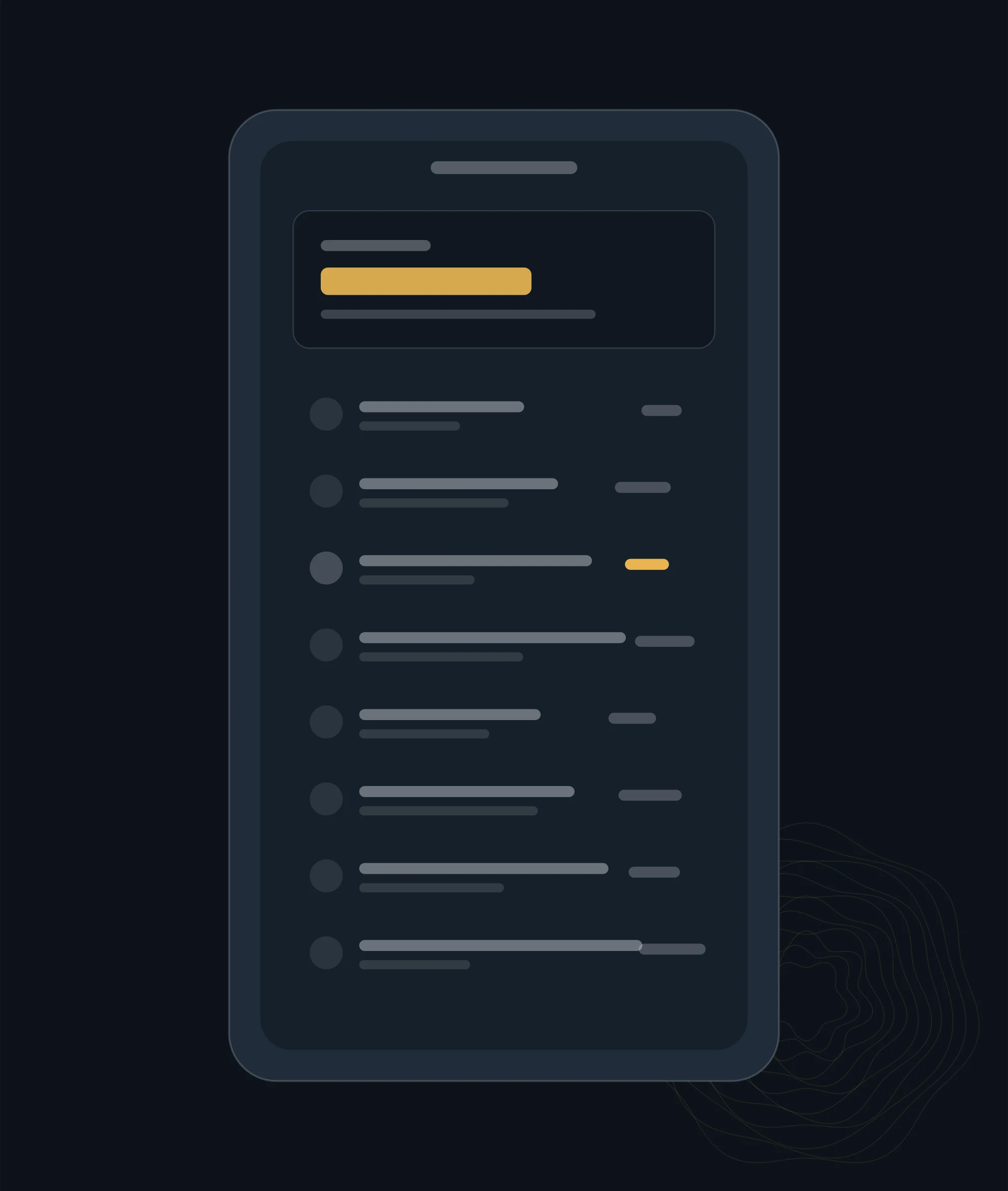
In the app
What you should never have to phone about
Freeze and unfreeze
A card left in a taxi is not a support ticket. Freezing it takes one tap and is instantly reversible, which means people actually do it instead of waiting to see whether the card turns up.
Limits and controls
Spending limits, online-payment toggles and country controls belong to the cardholder, not to a call queue. Turning off online payments on a card you only use in person removes an entire category of fraud.
Statements and history
Every statement available without a request, and a searchable history that goes back far enough to settle an argument with a merchant six months later.
Standing instructions
What is set to recur, when it next runs and what it costs — visible in one list. Most unexplained monthly charges are simply a subscription nobody could find.
Replacements and PINs
Ordering a replacement and retrieving a PIN are the two things people need most urgently and dread most. Both are self-service, both are authenticated properly.
Alerts that are useful
Alerts set by you, at thresholds you chose. An alert on every transaction trains people to ignore alerts, which is worse than having none.
Spend tracking
The month should be legible before the statement arrives
Categorisation is the difference between a list of transactions and an account you understand. It has to happen as transactions land, and it has to be correctable when it gets a merchant wrong.
- Categorised as it happens Not at the end of the cycle. A category that appears three weeks later cannot change a decision you already made.
- Correctable Merchant names are frequently unhelpful and sometimes actively misleading. Re-categorising once should teach the account, not just fix one row.
- Comparable This month against the last three, in the categories you care about, without exporting anything to a spreadsheet.
- Exportable anyway Because accountants exist, and because your data should never be easier for us to use than for you.
Getting set up
From approved to using it
1
Activate
The card is activated from the app rather than from a phone menu, and the PIN is set at the same time.
2
Add it where you pay
Wallet, recurring merchants and any device you actually use. Doing this on day one avoids the declined-payment week that follows a replacement.
3
Set the controls
Limits, online-payment toggles, country controls and the alerts you want. Ten minutes here removes most of the reasons people call later.
4
Check the first statement
Not for errors so much as for orientation: what got categorised where, and whether the recurring list matches what you thought you were paying for.
Questions
About the platform
Is there a web version, or only an app?
Both. Some things are genuinely better on a larger screen — reading a year of statements, exporting for an accountant — and forcing those onto a phone is a design failure rather than a digital-first strategy.
What if I lose the phone with the app on it?
Access is tied to authentication rather than to a device, so a new device can be enrolled. The old one should be removed at the same time, which is a two-minute job worth doing immediately.
Does the app work abroad?
Yes, and it is more useful there than at home: currency treatment, country controls and instant alerts all matter most when you are travelling.
Can somebody else see my spending?
Not on a personal account. On a company account, visibility is set deliberately — an administrator can see company spend, and that is the point of a company card — and everyone with a card is told what is visible before they get one.
What happens if the app is down?
The card keeps working; the app is a control surface, not the payment rail. For anything urgent while the app is unavailable, write to us and say it is urgent, and see the support page for what to do first.
See it against what you use now
The useful comparison is not feature lists — it is how long your last three routine tasks took. Tell us what they were.