Security and privacy

Security and privacy

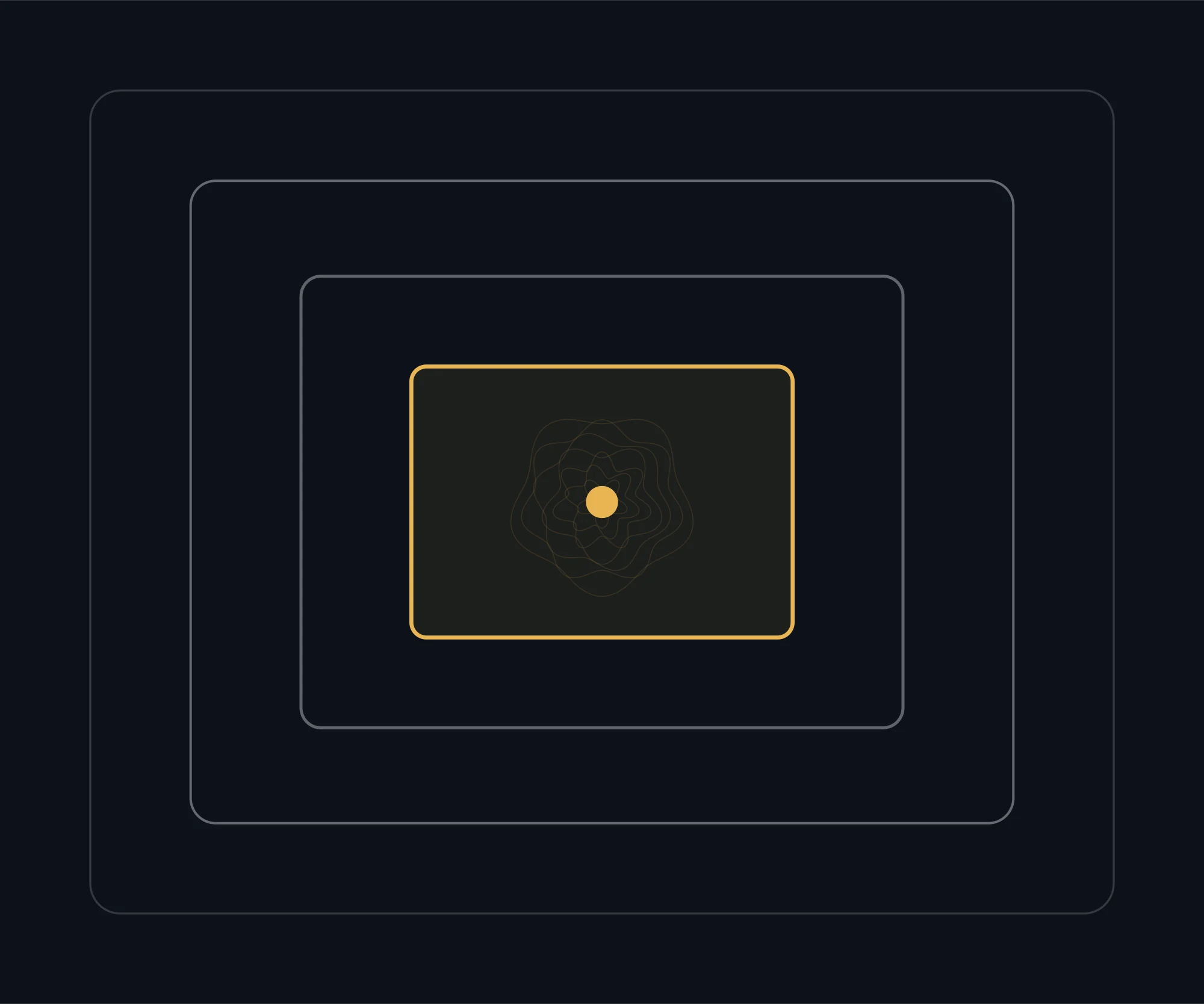
Every control on this page has a known way around it. That is not a criticism of the control; it is the reason there are four of them, arranged so that defeating one still leaves you outside. What follows is what each layer does, in plain language, and where the cardholder's own part begins.

Four concentric rounded frames nested inside each other, the innermost drawn in gold

The layers

Three controls we operate, and one that is yours

Encryption, multi-layered authentication and fraud detection are ours, and they are described below. The fourth layer is yours, and no amount of engineering replaces it: we will never ask for a full card number, a PIN or a one-time code, by any channel, for any reason.

Encryption

Card and account data is encrypted in transit and at rest. The practical effect: an intercepted message or a copied file is not a usable one. This is the layer everybody assumes is present, which is exactly why it is worth stating that it is.

Multi-layered authentication

More than one factor stands between a request and an account, and the factors are of different kinds — something known, something held, something measured. Two passwords are one factor twice; that is not what this means.

Fraud detection

Transactions are scored as they arrive against how the account normally behaves: place, amount, merchant type, sequence. Speed is the whole point — the difference between a stopped transaction and a disputed one is usually a few seconds.

What we will never do

If any of this happens, it is not us

Impersonation is the most effective attack on card accounts, and it works because the real thing is hard to distinguish from the fake. So we have made the rule absolute rather than nuanced.

Ask for a one-time code

Never, by any channel. A code exists to prove it is you to us; if we needed you to read it back, it would prove nothing.

Ask for a full card number or PIN

Not by phone, email or message. We do not need them, and a PIN is not known to us in a form anyone could ask for.

Send a link that asks you to log in

If a message asks you to sign in through a link, open the app yourself instead. The genuine route is always the one you started.

Create urgency

Real fraud teams stop a transaction and then tell you. They do not need you to act within two minutes or lose your money.

Ask you to move money to a safe account

There is no such thing. This single sentence is the most reliable fraud test there is.

Questions

About security

What do I do first if I think a transaction is fraudulent?

Freeze the card in the app — it is instant and reversible — then write to us with the date, amount and merchant as it appears. Freezing first stops anything further while the rest is sorted out, and costs you nothing if you turn out to be wrong.

Someone called claiming to be from Vision. What now?

End the call, do not call back on a number they gave you, and contact us in writing. Nothing is lost by hanging up on a genuine call; a great deal is lost by staying on a fraudulent one.

Is contactless less safe than chip and PIN?

It behaves differently rather than being simply worse. Contactless has per-transaction and cumulative limits before a PIN is required, so exposure from a lost card is bounded. The bigger risk in practice is not contactless at all — it is card details used online.

Should I use a card or a wallet on my phone?

A device wallet is generally the stronger option, because the merchant receives a token rather than your card number and the payment is authenticated on the device. It also means a compromised merchant does not compromise your card.

What happens to my data?

It is used to run the account and to detect fraud, and it is not sold. The privacy policy sets out the purposes, who processes what on our behalf and how to ask us about your own record.

How do I know an email from you is genuine?

It will never ask you for credentials or a code, and it will never ask you to sign in through a link. If an email would fail that test, it is not from us regardless of how it looks.

Something looks wrong on your account?

Freeze the card first, then tell us what you are seeing. The support page sets out what to send so the first reply can act rather than ask.